Colorado County Attorney Online Training

Project Overview: Interactive Online Training for Colorado County Attorneys on Child Welfare Process

Project Title:

Colorado Child Welfare Attorney Academy

Project Description:

The “Understanding Key Stakeholders in the Child Welfare Process” is an innovative and interactive online training designed to equip county attorneys across Colorado with comprehensive knowledge about various aspects of the child welfare system. This training focuses on the roles and responsibilities of key stakeholders including parents, children, youth, families, guardians ad litem, counsel for youth, judicial officers, respondent parents’ counsel, and CASA volunteers. By providing detailed insights into the contributions and significance of each stakeholder, the training aims to enhance the overall effectiveness of the child welfare process, ensuring better outcomes for all involved.

Project Partners:

This project was a collaborative effort involving the following organizations:

  • Colorado Department of Human Services
  • Colorado County Attorneys
  • Butler Institute for Families at the University of Denver
  • Colorado Child Representative Organization

Project Leadership:

Dr. Chris Smith, Senior Instructional Designer

Role of the Senior Instructional Designer:

As the Senior Instructional Designer, Dr. Chris Smith played a pivotal role in bringing the project vision to life. Responsibilities included:

  • Collaborating with members from all partner organizations to draft scripts and develop content.
  • Utilizing Articulate Storyline to create engaging and interactive training modules.
  • Incorporating animated videos using Vyond to visually represent complex scenarios and roles.
  • Leveraging Murf.ai for voiceovers to enhance the auditory learning experience.
  • Employing Adobe Photoshop and Canvas for high-quality graphic design and visual elements.

Project Funding:

The project was part of a federal grant awarded to the Butler Institute for Families, aimed at improving child welfare support throughout Colorado.

Objectives:

  • To provide county attorneys with a thorough understanding of the child welfare process.
  • To delineate the roles and responsibilities of each key stakeholder in the child welfare system.
  • To foster improved collaboration and communication among stakeholders.
  • To ultimately enhance the child welfare system for better support and outcomes for children, youth, and families in Colorado.

Methodology:

The training is structured into several modules, each focusing on a specific stakeholder group. Interactive elements, quizzes, and case studies are incorporated to ensure active engagement and practical understanding.

Impact:

This training is expected to significantly improve the knowledge and effectiveness of county attorneys in Colorado, leading to a more informed and collaborative child welfare system that benefits all parties involved.

Conclusion:

The “Understanding Key Stakeholders in the Child Welfare Process” training represents a major step forward in child welfare education. Through the collaborative efforts of esteemed organizations and the leadership of Dr. Chris Smith, this project exemplifies the power of teamwork and innovation in addressing complex social issues.
ATAI 2024: An Inclusive Mathematical Journey

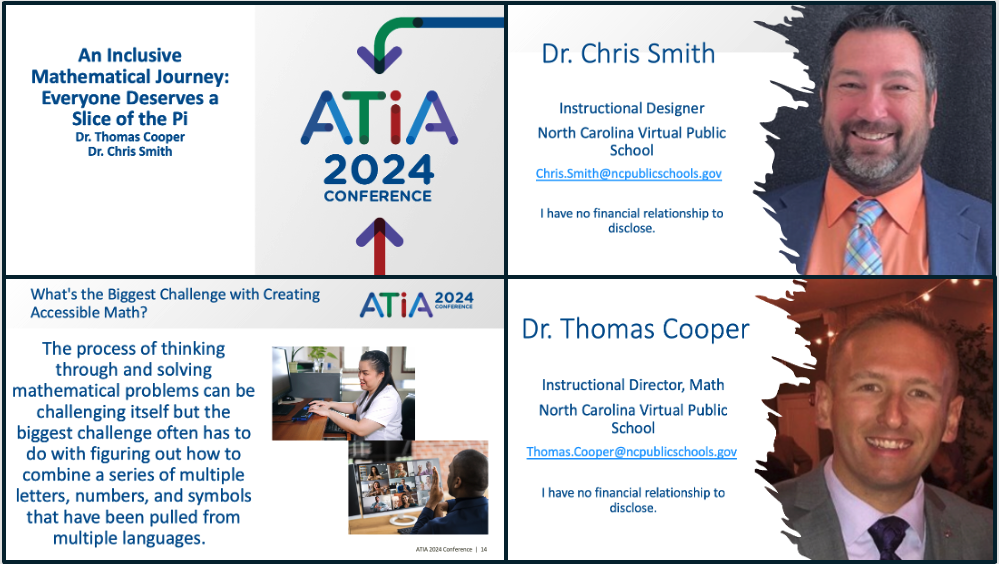
ATIA 2024 presentation title slide, presenter introductions, and greatest challenges slide. The challenges slide reads, The process of thinking through and solving mathematical problems can be challenging itself but the biggest challenge often has to do with figuring out how to combine a series of multiple letters, numbers, and symbols that have been pulled from multiple languages.

An Inclusive Mathematical Journey: Everyone Deserves a Slice of the Pi

Welcome to an inspiring exploration of creating accessible and inclusive mathematics instruction. This presentation, “An Inclusive Mathematical Journey: Everyone Deserves a Slice of the Pi,” delves into strategies, tools, and best practices for designing and delivering mathematics content that is accessible to all learners.

Key Highlights

Session Norms and Introductions

Dr. Chris Smith and Dr. Thomas Cooper, instructional leaders from North Carolina Virtual Public School (NCVPS), set the stage by establishing session norms focused on empathy, capacity building, solution orientation, and shared expertise.

Learning Objectives

Throughout this session, you will:

  • Investigate strategies for generating accessible mathematical instructional content.
  • Discuss various instructional strategies for providing inclusive mathematics instruction.
  • Demonstrate digital tools that can be used to create accessible mathematics.

Understanding Accessibility in Math

Explore the challenges and successes related to providing accessible mathematics experiences. Learn about the importance of designing with accessibility in mind, using Universal Design for Learning principles, Quality Matters Standards, and Backwards Design.

Common Challenges and Solutions

Identify common challenges such as stakeholder awareness, incorrect text-to-speech readings, and creating accessible graphs and images. Discover low-tech and high-tech solutions that have been successfully implemented to address these challenges.

Mathematical Content Representation

Understand different methods for presenting mathematical content, including:

  • Using images with alt text
  • LaTeX markup language
  • MathML markup language

NCVPS Curriculum Development

Learn about the NCVPS curriculum development process, which includes designing courses with built-in accommodations and addressing unique situations as they arise. Explore the opportunities and challenges NCVPS faces in creating accessible math content.

Digital Tools and Resources

Discover the variety of digital tools used by NCVPS to improve accessibility in math courses, including Canvas, CidiLabs, YuJa, and Grackle Docs. Learn how Microsoft Word’s robust equation editor and other tools like Desmos can enhance accessibility.

Interactive Learning Experience

Engage in activities that demonstrate the application of these tools and strategies. View examples of accommodations in the Canvas LMS and explore resources for creating more accessible math content.

Join us on this journey to create an inclusive mathematical learning experience, ensuring every student has equal access to the wonders of mathematics.

QM Q-Up 2024: Equity in Education

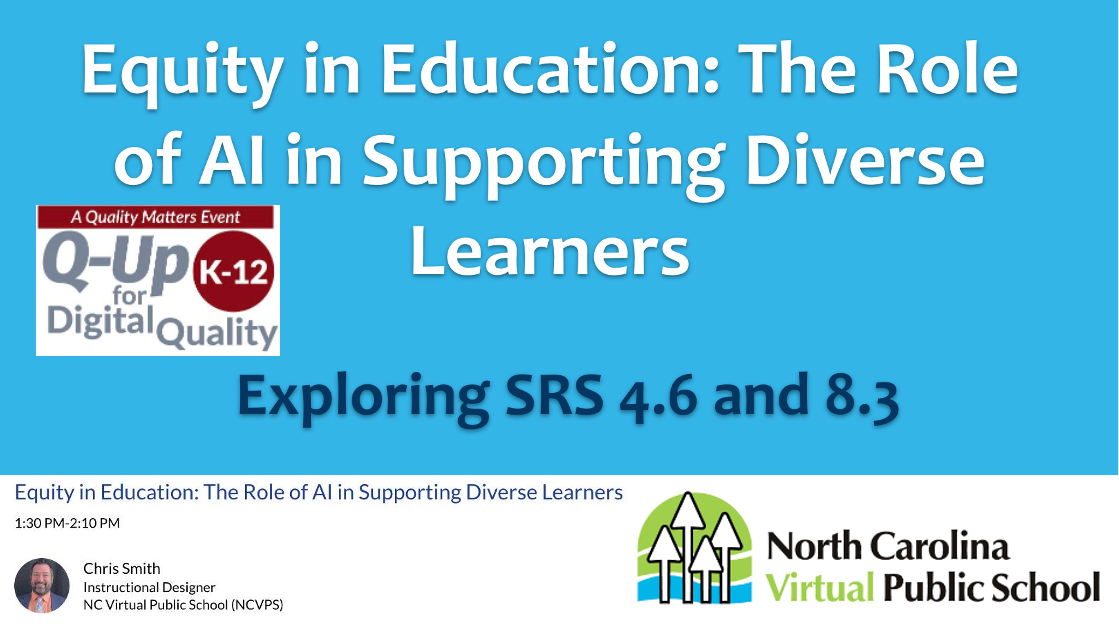
QM Q-UP Conference presentation title slide: Equity in Education: The Role of AI in Supporting Diverse Learners

Equity in Education: The Role of AI in Supporting Diverse Learners

Welcome to an insightful exploration of how Artificial Intelligence (AI) can be harnessed to promote equity and support diverse learners in education. This presentation, “Equity in Education: The Role of AI in Supporting Diverse Learners,” delves into practical strategies and scenarios that demonstrate AI’s potential to create inclusive and effective learning environments.

Key Highlights

Session Norms and Introductions

Dr. Chris Smith, an experienced Instructional Designer from North Carolina Virtual Public School (NCVPS), sets the stage by establishing session norms focused on empathy, capacity building, solution orientation, and shared expertise.

Defining Accessibility and Usability

Understand the essential concept of accessibility, ensuring that individuals with disabilities can access the same information and services as those without disabilities, with equal ease and integration.

Equality, Equity, and Inclusive Teaching

Explore the distinctions between equality, equity, and inclusive teaching. Learn how providing unique support through differentiation and creating an inclusive classroom environment ensures every student has equal access to learning and feels valued.

Strategies for Developing Online Courses

Discover five key strategies to consider when developing online courses:

  • Know your student audience
  • Review course activities for cultural awareness and sensitivity
  • Tap into your students’ backgrounds, cultures, and experiences
  • Incorporate tools to bridge cultural and socioeconomic gaps
  • Strive to create a safe, trustworthy, and positive rapport

Artificial Intelligence (AI) in Education

Learn about AI and its simulation of human intelligence processes designed to mimic human-like interactions. Master the art of prompting AI for planning and designing educational content.

Practical Scenarios Using AI

Explore real-world scenarios where AI supports diverse learners:

  1. Child Welfare Placement: Addressing implicit bias in placement decisions.
  2. Generating Alternative Text: Incorporating diverse cultural elements into lessons.
  3. Audio/Video Language Translation: Making important messages available in multiple languages.
  4. Writing Outline: Supporting students with dyslexia and dysgraphia through the writing process.

Interactive Learning Experience

Engage in a hands-on activity where you can choose your scenario and solve problems using AI. Access the Supporting Diverse Learners with AI Canvas course homepage for a guided experience in applying these strategies.

Join me on this journey to harness the power of AI to promote equity and support diverse learners, ensuring every student has the opportunity to succeed in an inclusive educational environment.

QM Q-Up 2024: Empower Every Learner

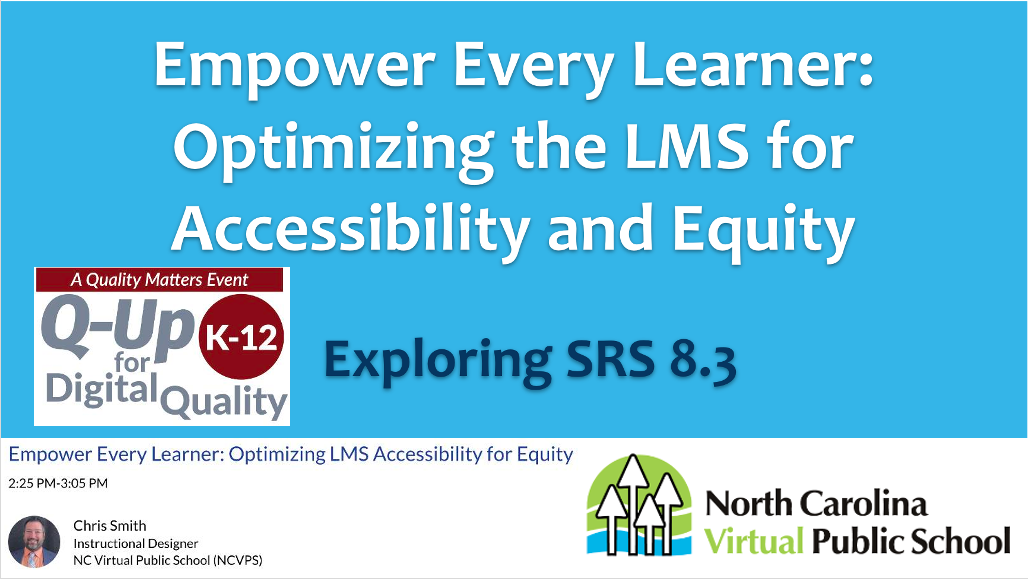
QM Q-UP Conference presentation title slide: Empower Every Learner- Optimizing the LMS for Accessibility and Equity

Empower Every Learner: Optimizing the LMS for Accessibility and Equity

Welcome to an enlightening exploration of how Learning Management Systems (LMS) can be optimized to ensure accessibility and equity for all learners. This presentation, “Empower Every Learner: Optimizing the LMS for Accessibility and Equity,” delves into the practical strategies and legal considerations necessary to create an inclusive learning environment.

Key Highlights

Session Norms and Introductions

Dr. Chris Smith, an experienced Instructional Designer from North Carolina Virtual Public School (NCVPS), sets the stage by establishing session norms focused on empathy, capacity building, solution orientation, and shared expertise.

Defining Accessibility

Understand the fundamental concept of accessibility, ensuring that individuals with disabilities can access the same information and services as those without disabilities, with equal ease.

Busting Myths and Understanding Terms

Explore the differences between accommodations and modifications through engaging activities. Learn how assistive technology supports individuals with disabilities in accomplishing specific tasks, and distinguish between accessibility, accommodations, and assistive technology.

Legal Considerations

Familiarize yourself with critical legal frameworks, including the Individuals with Disabilities Education Act (IDEA), the Americans with Disabilities Act (ADA), and Section 508 of the Rehabilitation Act of 1973. Understand the role of the U.S. Department of Education’s Office of Civil Rights in overseeing accessibility compliance.

Common Accommodations and Tools

Discover the most common accommodations included in Individualized Education Programs (IEPs) for instructional content, activities, and assessments. Learn about text-to-speech versus screen readers, and how built-in features can promote independence for students.

Practical Application in LMS

See real examples of how to implement accommodations in LMS platforms like Canvas. Explore methods to provide extended time, multiple attempts, reduced answer choices, and multiple testing sessions to meet diverse learner needs.

Enhancing Assessments and Academic Integrity

Address concerns about academic integrity when using Open Educational Resources (OER). Combine AI and OER to create unique assessment questions and project options, ensuring originality and inclusivity.

Interactive Learning Experience

Engage in activities designed to help you implement these strategies. Identify main topics, generate measurable objectives, create engaging introductions, design learning activities with scoring rubrics, and develop assessment questions with feedback. Customize these elements for inclusivity, ensuring a comprehensive and equitable learning experience.

Join me on this journey to optimize Learning Management Systems, ensuring every learner has the opportunity to succeed in an inclusive and equitable educational environment.

COSN 2024- Crafting the Perfect Blend

COSN 2024 presentation title slide- Crafting the Perfect Blend: AI, OER, and Online Learning

Crafting the Perfect Blend: Integrating AI, OER, and Online Learning

Welcome to a transformative journey through instructional design! This presentation, “Crafting the Perfect Blend,” explores the intersection of Artificial Intelligence (AI), Open Educational Resources (OER), and online learning. It showcases innovative strategies to overcome barriers in designing high-quality digital instruction while emphasizing accessibility and diverse perspectives.

Key Highlights

Instructional Design Frameworks

Discover how frameworks like Understanding by Design (UbD), Universal Design for Learning (UDL), Revised Bloom’s Taxonomy, and Quality Matters guide the creation of effective educational content. Learn to align standards, objectives, instruction, activities, and assessments seamlessly.

Adaptive Strategies

Adapt strategies for various delivery formats—whether in-person, blended, or online—and apply them across K-12 and higher education settings. Utilize multiple learning management systems to ensure flexibility and reach.

Overcoming Barriers

Address common extrinsic barriers like lack of resources, time constraints, and the need for administrative support. Tackle intrinsic challenges such as personal attitudes and the hesitancy to adopt new tools and strategies. Leverage the TEAM approach to save time, provide support, and improve quality collaboratively.

Open Educational Resources (OER)

Explore the world of OER, with resources freely available for adaptation and sharing. From textbooks and lesson plans to videos and quizzes, OER provides a customizable solution to meet specific educational needs. Delve into platforms like OER Commons and #GoOpenNC for a treasure trove of educational content.

Artificial Intelligence in Course Development

Uncover the potential of AI to revolutionize course development. Master the art of prompting AI to create introductions, outlines, scripts, and engaging activities. Learn to design courses starting with standards and objectives, using tools like ChatGPT for course outlines and engaging lesson introductions.

Inclusive Learning

Ensure your digital content accommodates diverse learning needs. Explore the Rethink Education Accessibility Tools Dashboard for resources supporting various accessibility requirements. Customize learning activities to be inclusive, addressing personalized learning needs effectively.

Assessment and Academic Integrity

Create robust assessment options, combining AI and OER to ensure unique and secure evaluation methods. Generate additional questions, design multiple project options, and customize scenarios to maintain academic integrity.

Interactive Learning Experience

Engage in a hands-on activity to build your lesson. Identify a topic, generate objectives, compose an engaging introduction, create an online learning activity with a scoring rubric, and develop assessment questions with feedback. Customize your lesson for inclusivity and ensure a comprehensive learning experience.

Join me on this exciting journey to craft the perfect blend of instructional design, leveraging AI, OER, and online learning for a future-ready educational landscape.