NC Virtual- First Generation Course Unicheck Scan Tutorial

Unicheck Scan tutorial video title slide

At NC Virtual, we write a majority of our course content internally using certified teachers as Content Writers and Content Reviewers. In doing so, we need to have a way to validate that the information being generated by the course developers is authentic and not copied/pasted from the Web. As a result, we have developed a process where we run all the course content documents through Unicheck which is a plagiarism checker that is similar to TurnItIn which is what educators and professors might use to assess the originality of student submissions. The video below is a tutorial I created to show members of my team a quick and efficient way of pulling down all the documents and text content in a previously build Canvas course so that it can be scanned in Unicheck.

On The Outside Looking In- Accessible Design Training Presentation

On the Outside Looking In: What Students Experience When Equity and Accessibility Aren't the Focus presentation title page.

I have been working with various aspects of accessible design since 2012. Over the course of the past 10 years, I have moved away from focusing on the legal implications and aspects of accessibility to focus more on the human impact non-accessible content can have on various individuals. I have spent time observing students and teachers in residential schools for the deaf and/or hard of hearing and the visually impaired as well as other students in local districts throughout the state of North Carolina. As a result, I developed the following presentation which has received national recognition as the 2018 winner for the Best-in-Track Award for the Online Learning Consortium’s Innovate Conference.

Instructional Design Webinars- Higher Education

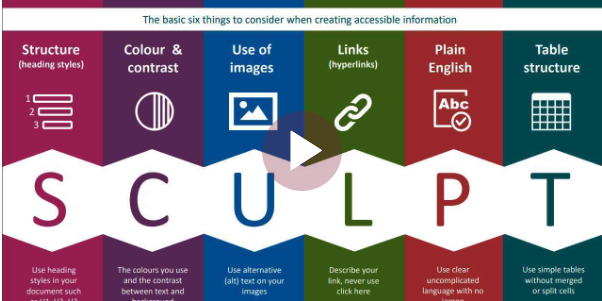
SCULPT Accessible Design video title page

Between 2020 and 2022, I developed and presented a series of instructional design workshops aimed at providing students with high quality blended and online learning experiences in the Moodle learning management system. Below are a few recordings of those webinars:

National Distance Learning Week- Microsoft Word Online Accessibility Features


National Distance Learning Week- Microsoft Office 365 Student Tutorial


National Distance Learning Week- SCULPT Accessibility Design Process


Instructional Design Webinar- Oh The Choices We Have with Moodle Quizzes


Instructional Design Webinar- Creating Effective Assignments


Instructional Design Webinar- Teaching Through Announcements, Pages, and Books


Tackling Attendance in Online Courses Webinar


English 8 SIFT Activity

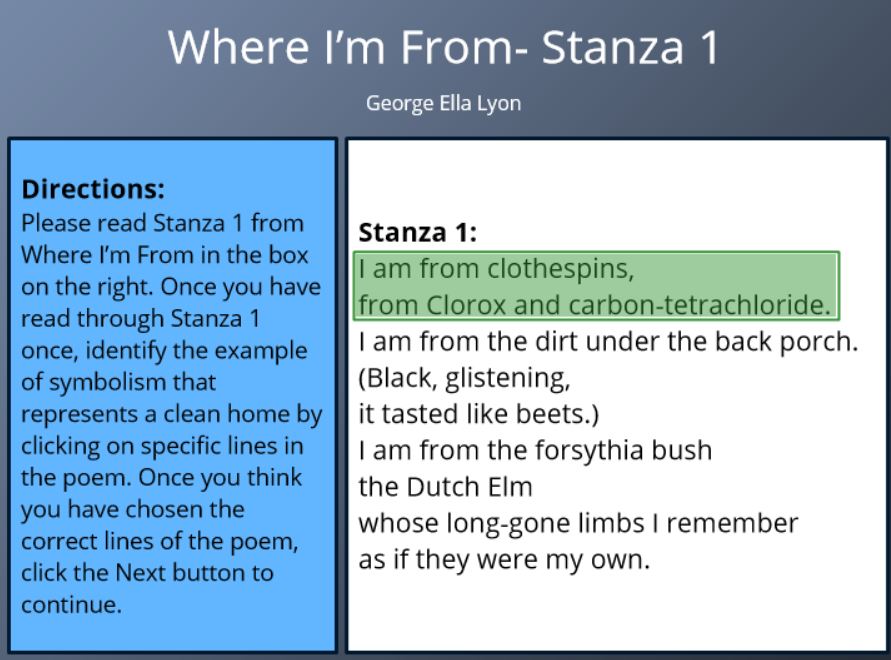
Screenshot of the first page of the SIFT learning object activity that serves as the featured image for the blog post

I created the following Articulate Storyline object as part of the 8th Grade Math course development to provide students with an opportunity to practice locating specific pieces of the text using the S.I.F.T method.

Moodle at Your Own Pace (MAYOP)

Title page for the Switching to Student View Moodle training video which serves as the featured image for the blog post

In the fall of 2022, I developed a course titled Moodle at Your Own Pace or MAYOP for short, which was designed to serve as an introduction to the Moodle learning management system for all new faculty at Mitchell Community College. The course was designed to be able to be completed in less than two hours and provides a solid foundation for getting started for instructors from all subject areas. Below are some of the instructional videos that I planned, edited, and produced for the MAYOP project.

View the MAYOP video playlist in a new window

DEI Leadership Training Part 1

Title page for the Diversity, Equity, and Inclusion Leadership Training Part 1 learning object

I served as the Instructional Designer for the Diversity, Equity, and Inclusion Leadership Training project. The following learning object is one of three Articulate Storyline training objects I created based on content that was supplied from the subject matter expert. Throughout the design process, there were times where I had to fill in content gaps that existed in the original materials that were supplied by the content development team.

Updated Online Student Orientation (H5P)

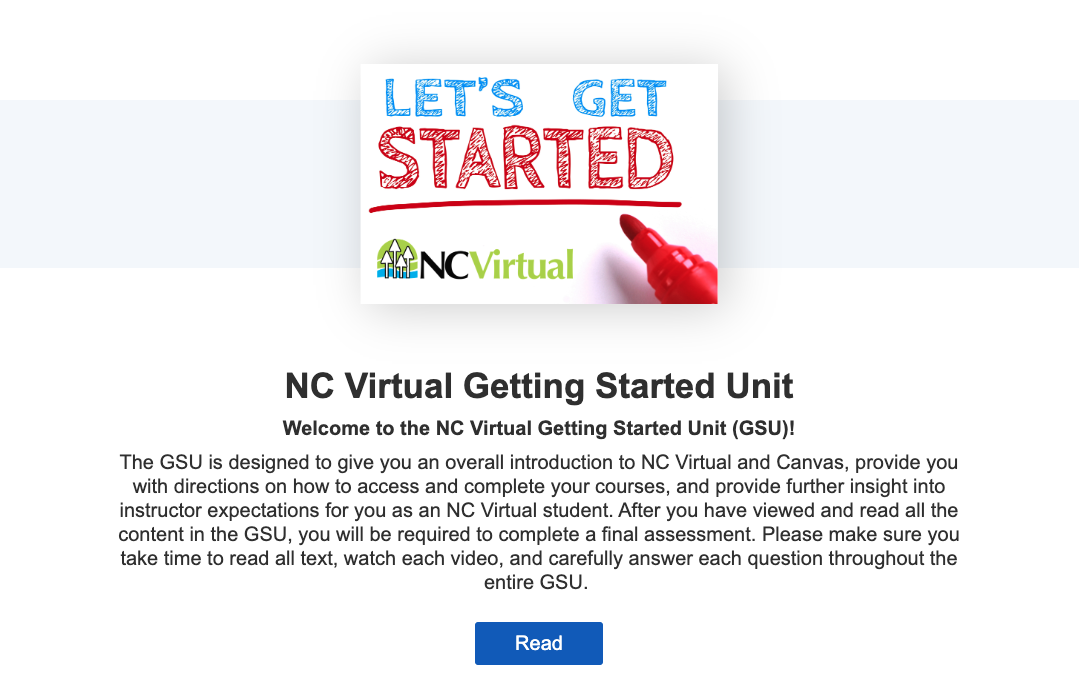
Screenshot of the homepage for the NC Virtual Getting Started Unit with a sign that reads Let's Get Started and a button titled Read that links to the lesson

I led the revision of the original (Articulate Storyline) version of the NC Virtual student orientation, otherwise known as the Getting Started Unit (GSU), in August 2022 to align with current NC Virtual policies and procedures and to improve ongoing maintenance of the learning object. The new version of the GSU is housed in H5P which allows us to push out any necessary changes instantly to all users. The original Articulate Storyline version relied on SCORM, which required editing the file, republishing as SCORM, pulling down the old SCORM package, uploading and configuring the new SCORM package in the course, and then repeating the same process for each individual course. NC Virtual manages approximately 200 unique course masters. So, the previous SCORM process had to be performed around 200 times to update the GSU in all courses.

Simple and complex sentences animated presentation and quiz

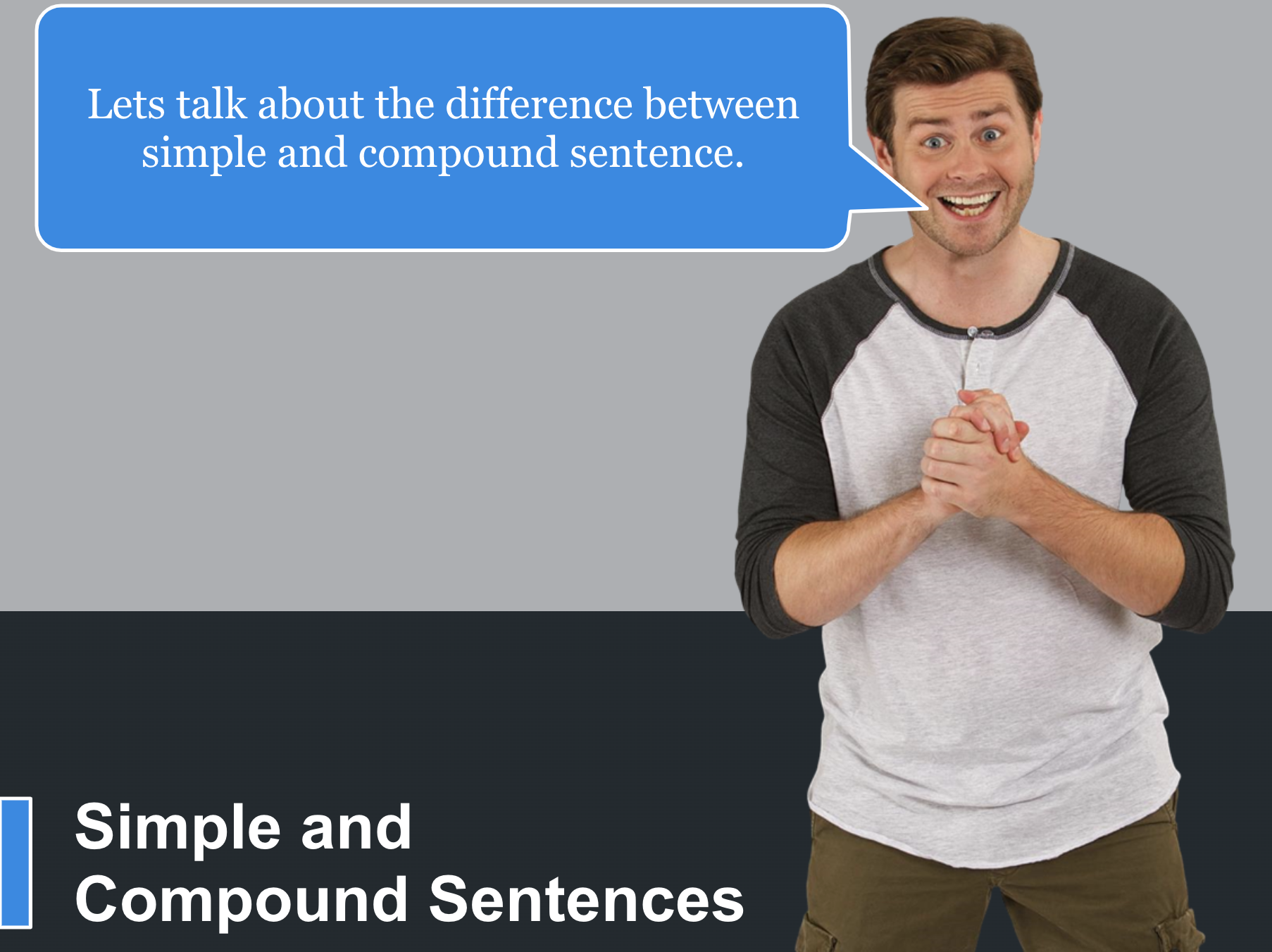
Simple and Complex Sentences Interactive screenshot

This animated presentation and quiz was created using Articulate Storyline. I set up triggers to automatically pause the timeline (audio and video) until the user clicks the button to play the animation to address the default auto play setting in Storyline which is an accessibility concern. The object has been configured to connect to the learning management system gradebook through a SCORM package.

<iframe src=”https://iad.scorm.canvaslms.com/ScormEngineInterface/defaultui/deliver.jsp?preventRightClick=false&cc=en_US&configuration=47N24QQMQYKNINME5NNZVGLW43TFWQON3OI7FDRDTVO3CLZ7BLCK27V7SESKJM4XGML4FPPJ6FDGLKW2IZLNEGILVITS44GFX2GGJQH4JIBO4XL23YCAU2XVN2WGG53SKDZU6KRA6ZATOGQBKHCRO2ZVNBEX3EZ7KTSWISXUKETRNAK5K5P7HQXFTVY6BOKZBHNWE53IEAJBWRVSGSWAAEDKMH2KFIKPJKRKEJIJUESN47DCGQNI2VOI5BGZDOXGPM63EYQFWWLY2ZPME7B2LEUGPLMELEDXAHWFIUM5RBTN4DFTFQ37CKDOL5MFTOBPOTZ7MXXCRDWQ5X6JKZFOISRP3BX3WXCYR66I5T42C2OVCTPXLCMIYBYC7LSBUEKSPOV2EXYI6VC7C&ieCompatibilityMode=none&registration=47N24QQMQYKNI6KOGEFO6D3NSGOLAZ5CGMFFQCUD2K5U4KFBZPNETFN6JFX7R7EGMGW2DZHT3CXK6L4VQMDCCZ5E3PB2MDQMFFN4YFAIEG3TIERGODBU7FRU7NSWPCTF&registration=47N24QQMQYKNI6KOGEFO6D3NSGOLAZ5CGMFFQCUD2K5U4KFBZPNETFN6JFX7R7EGMGW2DZHT3CXK6L4VQMDCCZ5E3PB2MDQMFFN4YFAIEG3TIERGODBU7FRU7NSWPCTF&launchUrl=https%3A%2F%2Fiad.scorm.canvaslms.com%2FScormEngineInterface%2Fdefaultui%2Flaunch.jsp%3Fregistration%3D47N24QQMQYKNISI3GTVVZZSPWPJFNZHQRKGWBNEZJY4QDJFOVIPJ7FCOJX7B4GVK53X67QXAW3RWRPR6XMCBWRDSMXQO52UAX2WNF5I%26configuration%3D47N24QQMQYKNINME5NNZVGLW43TFWQON3OI7FDRDTVO3CLZ7BLCK27V7SESKJM4XGML4FPPJ6FDGLKW2IZLNEGILVITS44GFX2GGJQH4JIBO4XL23YCAU2XVN2WGG53SKDZU6KRA6ZATOGQBKHCRO2ZVNBEX3EZ7KTSWISXUKETRNAK5K5P7HQXFTVY6BOKZBHNWE53IEAJBWRVSGSWAAEDKMH2KFIKPJKRKEJIJUESN47DCGQNI2VOI5BGZDOXGPM63EYQFWWLY2ZPME7B2LEUGPLMELEDXAHWFIUM5RBTN4DFTFQ37CKDOL5MFTOBPOTZ7MXXCRDWQ5X6JKZFOISRP3BX3WXCYR66I5T42C2OVCTPXLCMIYBYC7LSBUEKSPOV2EXYI6VC7C%26ts%3D20200609051718%26redirectUrl%3Dhttps%253A%252F%252Fscone-prod.us-east-1.insops.net%252Fpackages%252F323754%252Flaunch_complete%253Flocale%253Den” width=”800″ height=”800″></iframe>